CALL CENTRE DASHBOARDS

The pulse of your
contact centre.

TabaTalk dashboards show you what’s happening, as it happens, so you can support your team, fix issues fast, and keep every conversation on track.


Client logo
Client logo
Client logo
Client logo
Client logo
Client logo
Client logo
See more.
Solve faster.
Track what's,<br>happening now.
Track what's,
happening now.
Live dashboards show key metrics in real time so you can track queues, agent activity, and call performance at a glance.
Spot issues early.<br>Act instantly.
Spot issues early.
Act instantly.
Identify delays, bottlenecks, or team imbalances before they impact performance, then fix them on the fly.
Custom views. <br>your way.
Custom views.
your way.
Build dashboards that reflect how your team works. Choose the metrics, filters, and layouts that matter most to you.
Everything that matters,
at a glance.
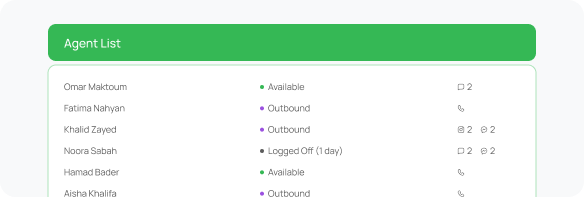
See what your agents are doing.
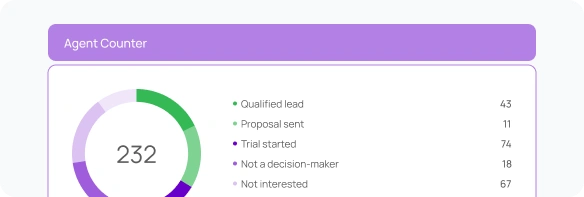
Monitor every agent’s status, talk time, activity breakdown, and queue assignments in real time. Spot idle time, support coaching, and step in before issues escalate.
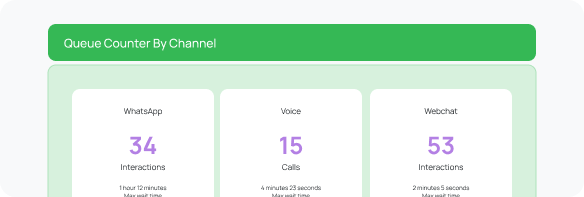
Queue health, at a glance.
Track call volume, wait times, abandons, and response speed by queue. Identify bottlenecks instantly, rebalance agents on the fly, and keep service flowing smoothly.
Queue health, at a glance.
Campaigns that stay on track.
Monitor live performance of outbound campaigns with real-time metrics on attempts, results, agent status, and wrap-up codes, so you can optimize without guesswork.
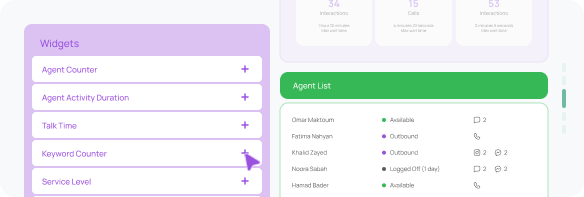
Custom dashboards, your way.
Mix, match, and move 60+ widgets to surface the insights that matter most. Tailor each dashboard to your team, campaign, or shift, without any coding needed.
Custom dashboards, your way.
Everything you need
to understand the call.
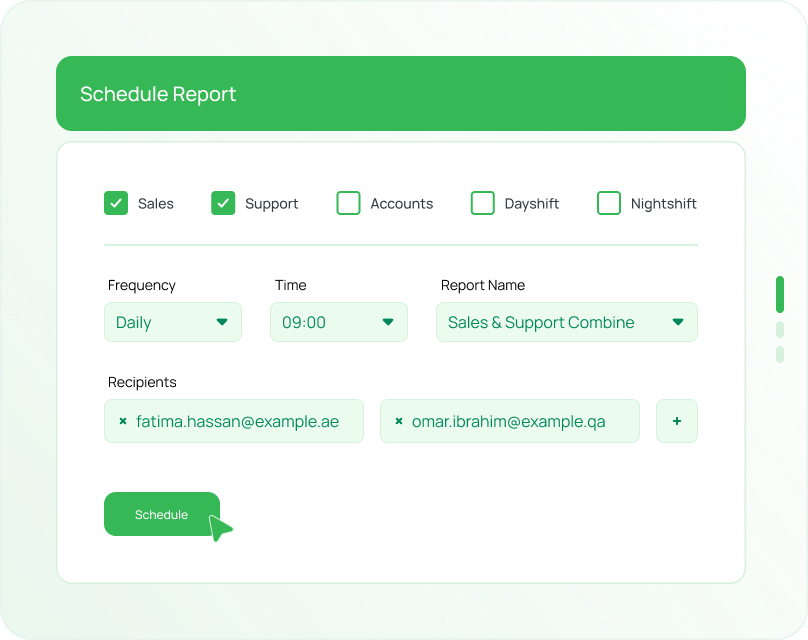
Reporting that runs itself.
Set it and forget it. Schedule recurring reports for agent activity, queue trends, call quality and more. Reports arrive automatically when you need them.
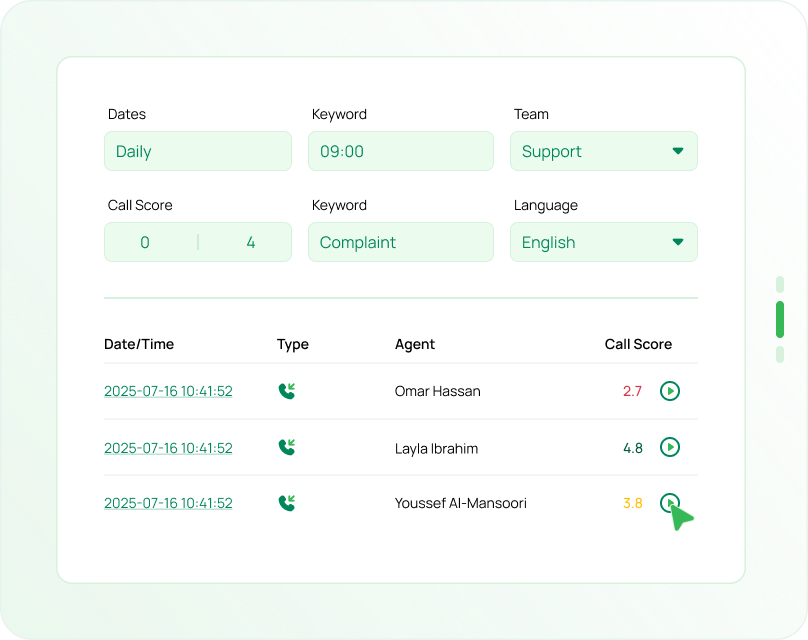
Data, filtered your way.
Easily search, filter and export interactions across every channel. From talk time to wrap-up codes, find the exact data point you’re looking for.
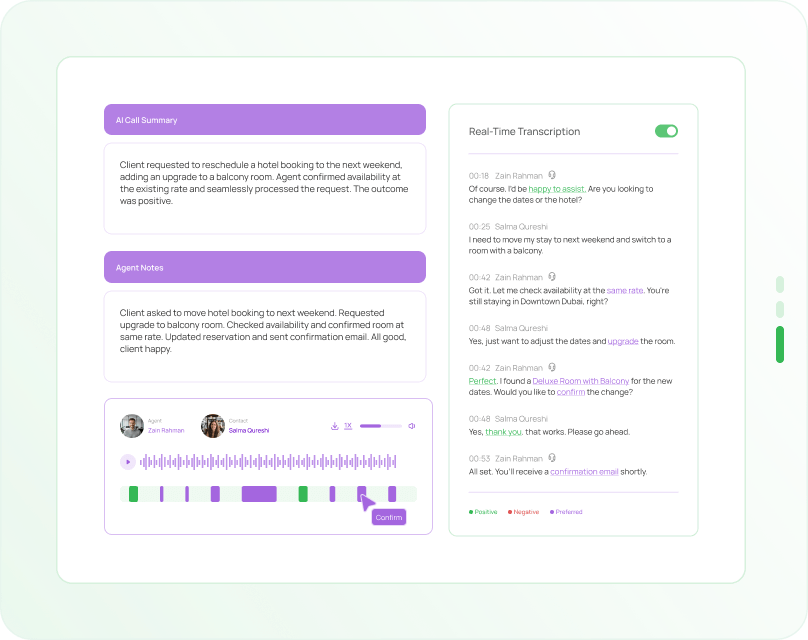
See the full story, every time.
Each call record includes rich context like recordings, transcripts, summaries and scores. Quickly understand what happened and why.
Reporting that runs itself.
Data, filtered your way.
See the full story, every time.

Stay in sync,
without the stress

TabaTalk connects smoothly with tools like HubSpot, Salesforce and Zoho — syncing customer data in the background, so your team can stay focused on what matters: the conversation.
make
salesforce
airtable
zendesk
monday
zoho
bitrix24
ms-dynamics-365
hubspot
pipedrive
leverate
proftit
freshdesk
kommo
zapier

More ways TabaTalk
helps you deliver.

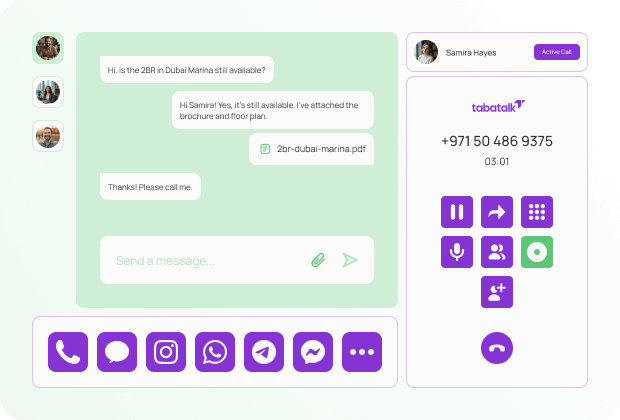
Omnichannel

Every channnel,
one workspace.

TabaTalk brings voice, messaging, and chat into a single view so your team can move between channels without losing context or momentum. Keep conversations connected, however they start.
AI Predictive Dialer

Connect faster. Stay focused.

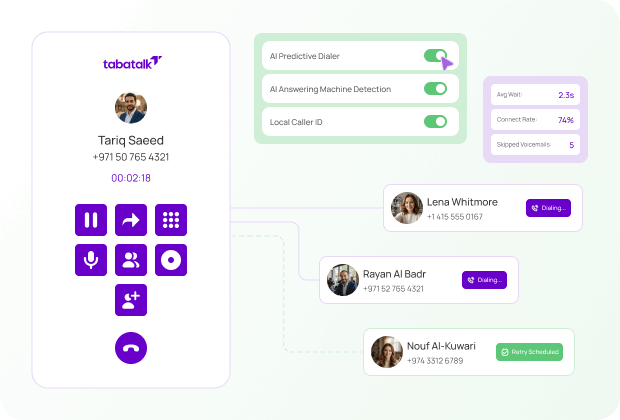
Our AI Predictive Dialer handles the busywork — detecting voicemails, dialling automatically, and connecting agents only when someone picks up. That means fewer delays and more conversations.
Flow Builder

Build journeys
that work.

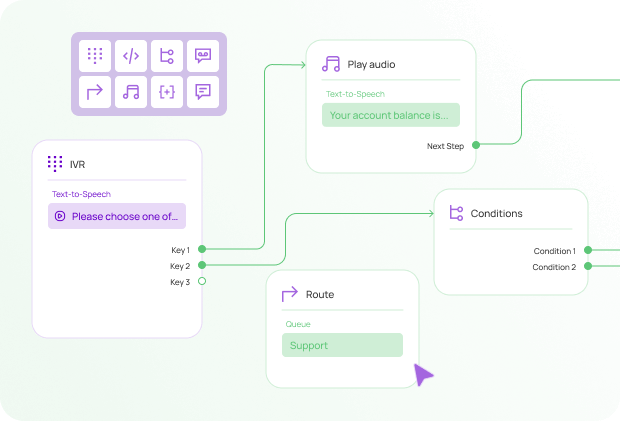
TabaTalk’s drag-and-drop Flow Builder helps you design call routing, IVRs, and automation paths with clarity and control. No code, no clutter — just simple, flexible tools that shape better experiences.
AI Speech Analytics

Understand what’s really said.

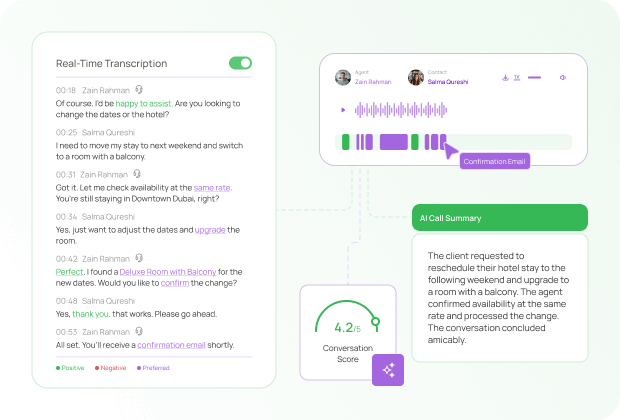
TabaTalk transcribes every call, highlights sentiment, and surfaces key topics — so you can track quality, uncover insights, and improve conversations without extra effort.

Ready
when you are.

Get up and running in less than 24 hours. No hassle, no complexity, just seamless communication from day one.
Things you might be
wondering

Can I customise the dashboards for different teams?

Yes. You can build as many dashboards as you need and tailor them to specific teams, roles, or metrics. Simply choose the widgets, filters, and layout that make the most sense for each view.

Which metrics can I track in real time?

Yes. You can build as many dashboards as you need and tailor them to specific teams, roles, or metrics. Simply choose the widgets, filters, and layout that make the most sense for each view.

How do I know when something needs attention?

Yes. You can build as many dashboards as you need and tailor them to specific teams, roles, or metrics. Simply choose the widgets, filters, and layout that make the most sense for each view.

Can I track outbound campaign performance?

Yes. You can build as many dashboards as you need and tailor them to specific teams, roles, or metrics. Simply choose the widgets, filters, and layout that make the most sense for each view.

Do I need technical skills to build a dashboard?

Yes. You can build as many dashboards as you need and tailor them to specific teams, roles, or metrics. Simply choose the widgets, filters, and layout that make the most sense for each view.